Deleting an obsolete component, restoring local state, and removing temporary directories are ordinary maintenance tasks. In these Avira cases, each task handed user-influenced input to a SYSTEM process, exposing a different boundary: path resolution, object deserialization, or the identity of an object selected for cleanup.
The useful distinction is the capability each bug actually provides. File deletion, directory deletion, and code execution are not interchangeable outcomes.
Three components, three trust failures
| Identifier | Component | Lower-trust input | Recorded capability |
|---|---|---|---|
| CVE-2026-27748 | Software Updater | Redirectable component path | SYSTEM file deletion |
| CVE-2026-27749 | System Speedup | User-influenced state file | Deserialization execution as SYSTEM |
| CVE-2026-27750 | Optimizer | Directory path replaced after scanning | SYSTEM directory deletion; further chaining has additional prerequisites |
The CVE records name Avira Internet Security for Windows, list versions through 1.1.109.1990 as affected, and identify 1.1.114.3113 as fixed. The case interfaces show Avira Free Security. Interface branding alone does not establish identical components, permissions, or exposure across every SKU.
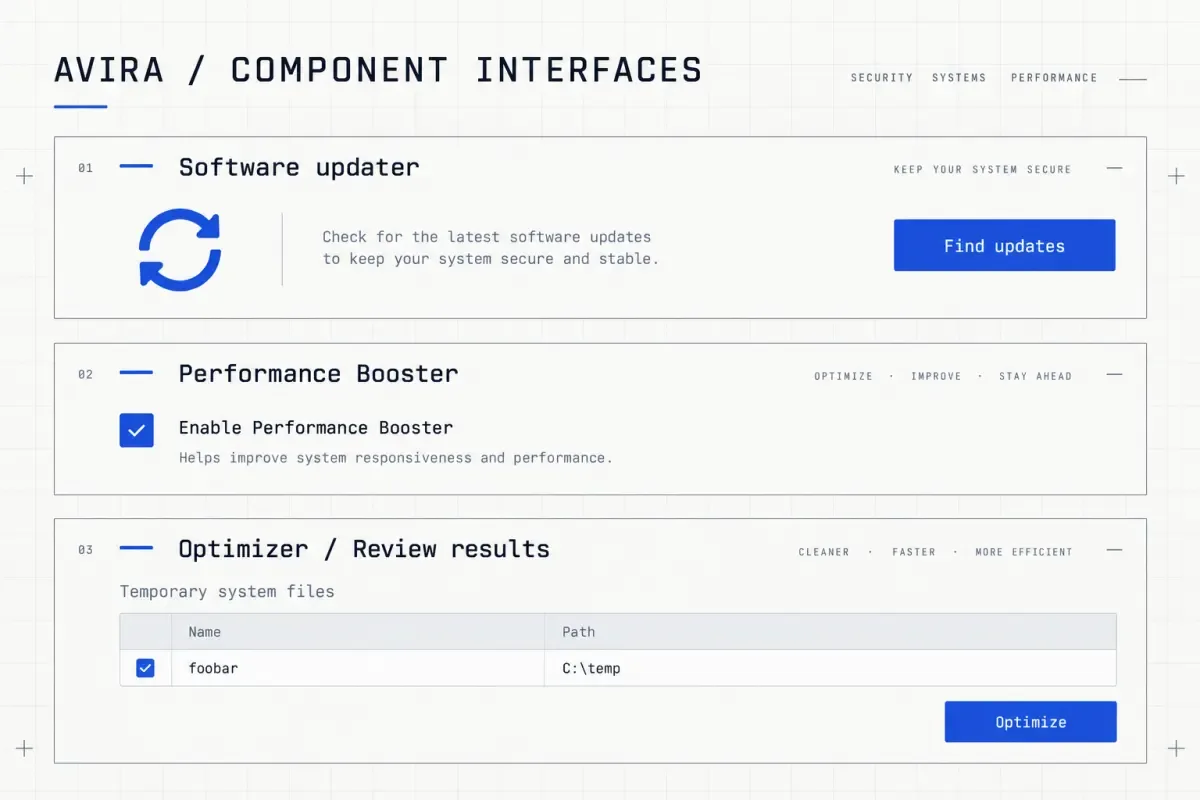
Interface illustration. These entry points invoke different background components; a button state does not prove a vulnerability.
Which file did the updater delete?
Software Updater processes C:\ProgramData\OPSWAT\MDES SDK\wa_3rd_party_host_32.exe. The case redirects the component directory into \RPC Control, where an object-manager link with the component's name resolves to the test target. The service still supplies the component path, but reaches a different file object.
flowchart TD
 A["Intended component cleanup"] --> B["Reparse through mutable directory"]
 B --> C["Object-manager link"]
 C --> D["Unintended test file"]
 D --> E["SYSTEM sets deletion disposition"]
The prerequisite is actual low-privilege control over the relevant directory or path construction. A location under ProgramData does not by itself prove write access. Inspect ACLs, ownership, reparse state, and the service's open semantics together.
| Stage | Observation | Supported conclusion |
|---|---|---|
| Baseline | A standard user reads the test file; direct deletion returns ACCESS DENIED | The target was protected against deletion |
| Resolution | Avira.Spotlight.Service.Worker.exe encounters REPARSE, then accesses the System32 test file | The final target differs from the component path |
| Operation | SYSTEM SetDispositionInformationEx returns SUCCESS | The privileged caller successfully set deletion disposition |
| Afterward | A target lookup returns NAME NOT FOUND | The test file is no longer found through that path |
These events carry more weight than an update progress bar reaching 100%. They support file deletion, not directory deletion or code execution on their own.
Windows 11 24H2 introduced a specific change: NtCreateFile honors FILE_NON_DIRECTORY_FILE when opening a $INDEX_ALLOCATION attribute. Reasoning that used this attribute to turn file deletion into directory deletion must therefore account for flags and OS version. The change is not a blanket fix for path-redirection bugs.
A state file is not a trusted object graph
System Speedup's relevant entry points include LoadDBFromFile, LoadCrashRestoreKnowledge, and LoadProcessExceptionKnowledge. The crash-recovery path combines CommonApplicationData with Avira\SystemSpeedup\temp_rto.dat.
This semantic excerpt preserves the critical call order while omitting the surrounding class and exception handling:
if (File.Exists(CrashRestoreKnowledgeBasePath)) {
    var stream = new FileStream(
        CrashRestoreKnowledgeBasePath, FileMode.OpenOrCreate);
    var formatter = new BinaryFormatter();
    _crashRestoreKnowledge =
        (Dictionary<int, ProcInfo>)formatter.Deserialize(stream);
}
Deserialize restores the object graph before the cast runs. A failed cast does not undo object behavior that already occurred, and an outer exception handler is not a transaction rollback.
The case began without temp_rto.dat, and a standard user could create it. If a protected file already exists, removing that file and recreating it are separate permission checks. A deletion primitive does not automatically grant recreation rights.
| Evidence | Conclusion | What it does not establish |
|---|---|---|
| Standard-user frontend, SYSTEM background service | Entry-point identity differs from execution identity | This alone does not prove control of the parser input |
| RealTimeOptimizer CreateFile returns NAME NOT FOUND | The service attempts to open this state path | No successful parse has occurred yet |
| Later successful state-file read, followed by a SYSTEM command writing an identity result | Supports privileged execution in this case | Arbitrary contents and arbitrary versions are not guaranteed to execute |
Microsoft recommends removing BinaryFormatter, rather than relying on casts, exception handling, or SerializationBinder as a trust boundary. Use a fixed data schema with explicit size, type, and range validation, and protect the state file against untrusted creation and replacement.
The in-box .NET 9 implementation throws on use. That runtime change does not patch products still using an older runtime.
Cleanup used an obsolete object decision
Optimizer separates scanning from cleanup: it inspects a directory, waits for user confirmation, then resolves the path again when deleting it. This time-of-check to time-of-use (TOCTOU) interval is especially visible because the UI pauses for review.
- 1
The scan selects an object
The case directory is
C:\temp\foobar, with an age threshold of at least ten minutes. This is a sample-specific selection rule, not a Windows rule for all temporary directories. SYSTEM enumeration events confirm access to that object. - 2
The user reviews the candidate
Review results → System junk → Temporary system files identifies the same directory, limiting interference from unrelated cleanup selections.
- 3
The path changes meaning
After scanning, the directory path is replaced with a different link-resolution chain. The stored string remains unchanged, while the next open reaches a different object.
- 4
Cleanup reaches the new target
Events move from REPARSE on the test path to
C:\Config.msi, ending with a successful SYSTEM SetDispositionInformationEx.
This third chain provides directory deletion. The case then combines it with installation and rollback state: a tool reports a write into a protected directory, and the final identity check shows SYSTEM. The final window reports Windows build 10.0.26100.4652. Those are results from that run, not guarantees for every Windows build.
Windows Installer rollback restores pre-installation state. Turning deletion into a protected write additionally depends on directory recreation, control of rollback contents, installer timing, and a later load path. A DLL pathname alone proves neither that it was loaded nor that every directory deletion leads to execution.
Explain the race through object identity
This offline model changes an in-memory namespace only. It neither accesses nor deletes files. It distinguishes a path still matching an allowed prefix from an operation still targeting the scanned object:
objects = {"TEMP": {"kind": "directory"}, "OTHER": {"kind": "directory"}}
namespace = {"cleanup/candidate": "TEMP"}
scanned_path = "cleanup/candidate"
scanned_id = namespace[scanned_path]
namespace[scanned_path] = "OTHER"

path_only_accepts = scanned_path.startswith("cleanup/")
same_object_accepts = namespace[scanned_path] == scanned_id
assert path_only_accepts and not same_object_accepts
assert scanned_id == "TEMP"
print("path_only=True; same_object=False; held_object=TEMP")path_only=True; same_object=False; held_object=TEMPThis is a design-constraint model, not a Windows filesystem implementation. A real fix must handle ancestor replacement, multiple reparse layers, concurrent changes, and whether an opened object remains within the permitted deletion scope. Checking only the final link, or comparing the path string again before use, can still leave a race.
Match the fix to the boundary
| Boundary | Property to verify | Insufficient on its own |
|---|---|---|
| Component path → file object | Constrain both open and delete to permitted objects; control mutable ancestors | Filename allowlist or another UI confirmation |
| State bytes → object graph | Remove dangerous object restoration; use fixed structures and protect input provenance | try/catch, a cast, or a Binder alone |
| Scanned object → cleaned object | Preserve object identity and scope across check and use | Reusing old scan results or comparing path text |
For deployment, the CVE records recommend 1.1.114.3113 or a later supported release. Record both product and relevant service versions. A regression test should preserve caller identity, service identity, ACLs, the original path, the resolved object, operation results, and post-operation state. These separate observations show which chain a fix actually closes.